
Embed Youtube Videos
Links to youtube videos that you add to Coggle diagrams are automatically converted into playable embedded thumbnails.
Copy the link to a video from it's share menu on youtube, then paste it into an item:
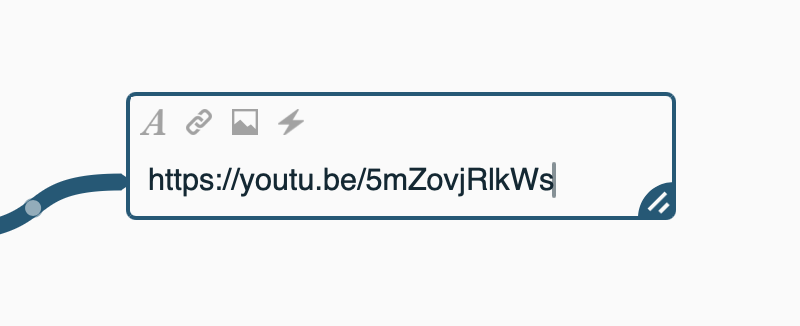
When the item is saved, it'll automatically be converted into a preview:

Links that are supported are of the form:
https://youtube.com/watch/?v=video-id-here (from the URL bar)
https://youtu.be/video-id-here (from the video share menu)
If you don't want the preview, then to prevent a link from being automatically embedded, use Markdown link syntax, with custom link text, for example:
[jelly tennis video](https://youtu.be/5mZovjRlkWs)
This will display the text in the square brackets – jelly tennis video – as a clickable link instead.
Here's an example mind map embedding a youtube video: https://coggle.it/diagram/aXdwjLoYG36AHkgy/t/-